
Live Text
Follow best practices to ensure that your email gets your message across whether images are enabled or not.
Overview
Using live text allows users to read the copy even when images are not enabled. It also allows content to be translated and be searchable in Inboxes.
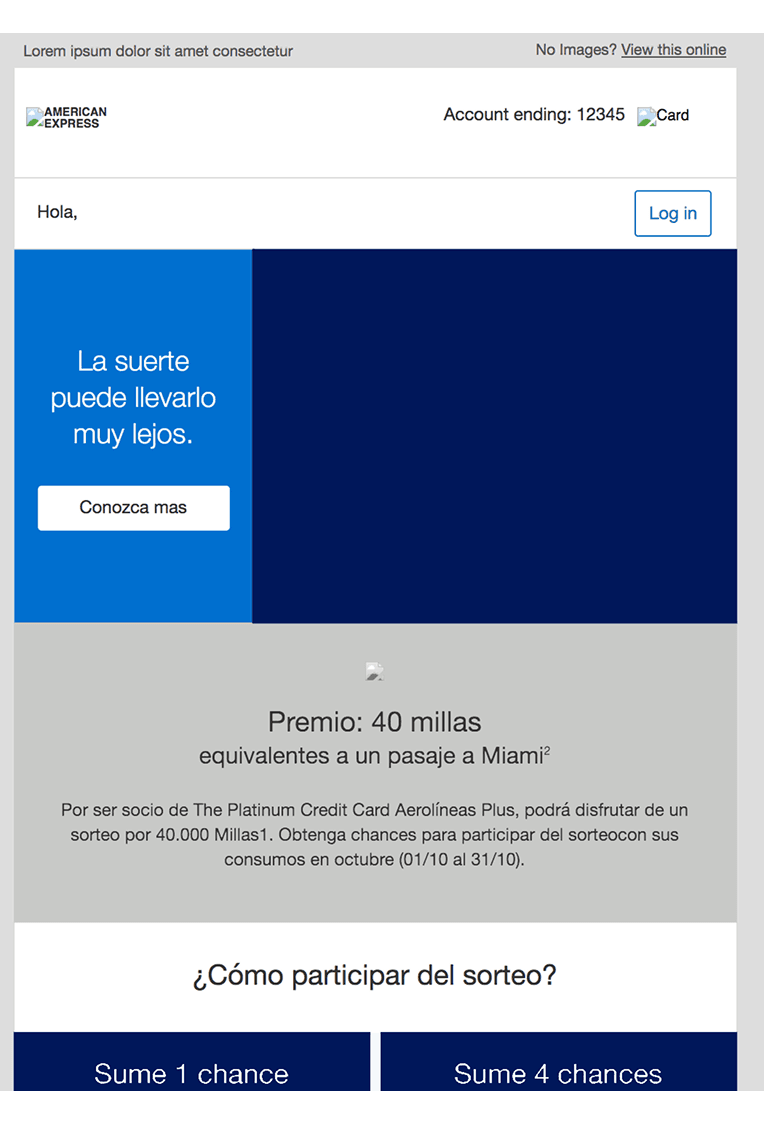
Images off with live text
By using ‘Live Text‘, when images are off the key message can still be read.
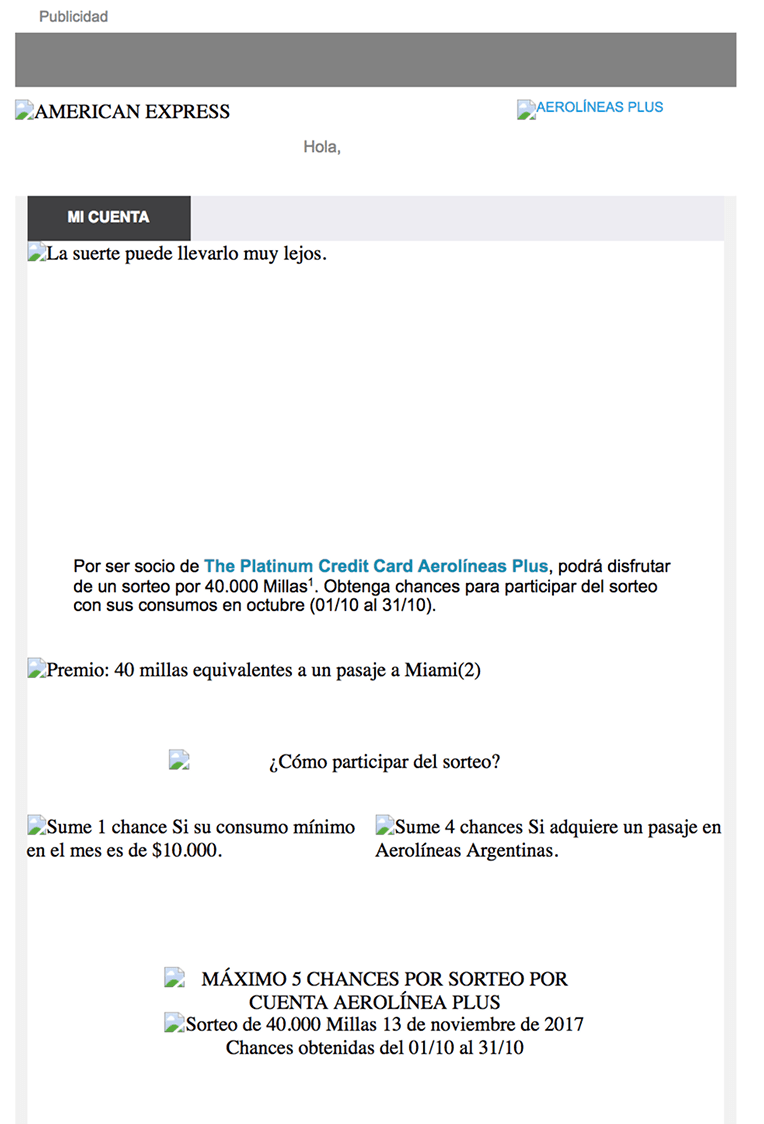
Images off - non live text
Text has been saved as an image rather than which results in poor display if images are off.
Considerations
Instances of when an image would not display:
A Card Member has switched images off on their email app to save data or for privacy reasons
Slow download due to low or no Wi-Fi
Using an email client that blocks images such as Outlook 2013 Desktop
The link to the images is somehow broken in the HTML code
Only use live text, especially in Hero Banners:
- It ensures the copy will be seen if images are switched off/not downloaded
- It reduces the large empty spaces which appear above the fold when an image doesn’t download
- If your email campaign leverages dynamic data served up by Movable Ink, you may have text displaying within imagery. This is fine, but please ensure all text in non-dynamic sections is live.
- When testing emails, ask your agency to provide examples with images off
Questions?
Connect with the DLS Team on Slack or by email.
Resources
Check out additional resources.