
Progress Tracker
Progress trackers visually guide users toward completion and gives them a sense of achievement. These components are typically used in scenarios where users need to track their progress toward a set goal, such as task completion, milestones, or performance targets.
On this page
Best Practices
- When the user is working through a linear process that can be organized into three or more steps
- When the user could benefit from understanding their progress on long forms such as eCommerce checkouts, onboarding, or visa applications
- When user inputs should be validated before progressing to the next step
- To complement standard back/next navigation in a linear sequence
- When a process or form has fewer than three steps
- When the process may be completed in any order
- When the number of steps may change based on conditional logic
Variations

| Variation | Description |
|---|---|
| Continuous Linear Tracker | Represents progress as a smooth, uninterrupted progression, without discrete segments. Focuses on an overall percentage or portion of completion rather than steps or milestones. |
| Segmented Linear Tracker | A progress bar divided into distinct sections, representing discrete stages or milestones. Ideal for breaking complex processes into manageable steps, reducing user overwhelm. Less focus on discrete steps; instead emphasizes overall process. |
| Progress Circular Determinate | Useful for showing measureable progress in tasks such as data loading, account completion, or form completion. |
Recommendations
Labels
- Provide a label
- Use short, descriptive labels, one to three words with no more than five
- Use sentence case, such as “Almost Every Word is Capitalized”
- Always show current step label

- Don’t remove labels
- Use all caps, such as “1 of 6 COMPLETED”
Removing the label from a progress tracker violates WCAG 1.3.1 - Info and Relationships and WCAG 4.1.2 - Name, Role, Value, resulting in inaccessible experiences for assistive tech users. Never rely on visual design or color alone to convey purpose or progress.
If a label is removed, screen readers announce a progress bar but with no context. They will not know what is progressing: Is it a form, a task?
Layout
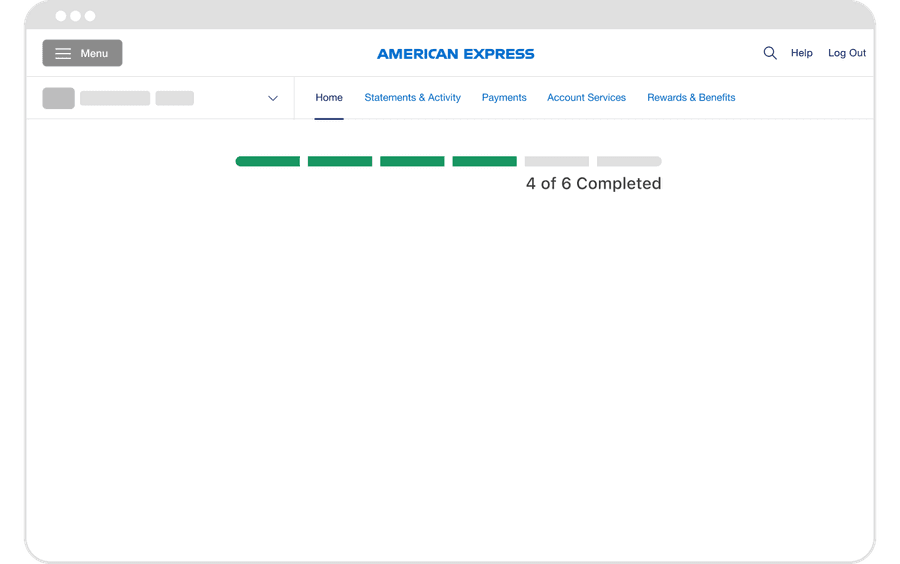
Place progress trackers close to the content or process they represent
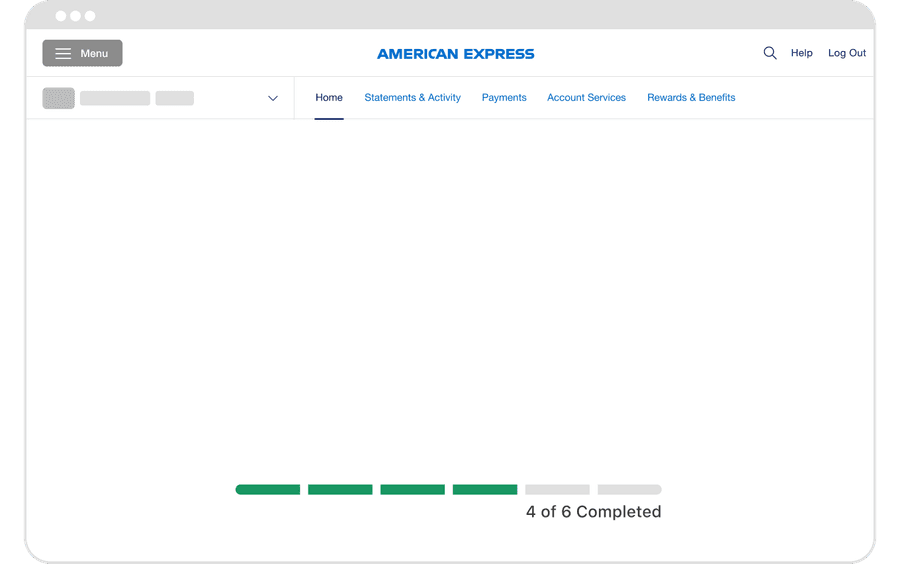
Separate the tracker from its context — floating or distant trackers confuse users
Timing
Update progress animates incrementally, creating a perception of continuous, real-time feedback that remains responsive and non-disruptive
Don’t rapidly jump progress or front-load it to “feel fast” — it undermines user trust
Questions?
Connect with the DLS Team on Slack or by email.
Resources
Check out additional resources.